
Website Integration
Best Practice Website Integration Methods for eyeNAV 360 URLs
The introduction video shows how eyeNAV 360 URLs have been integrated in some of our client’s websites. There are three methods we support which are explained here.
Method A - Basic Link - launching a new browser tab to display the 360° content / Presentation. Basic Linking, displaying 360 Tours / Presentations in a new browser tab guarantees the 360 interface and branding will function & scale perfectly, especially on mobile devices, a full-screen browser is ideal.
Basic links are simple to apply and require the lowest recourses from the user’s device / computer.
Website Integration
Website Integration
Best Practice Website Integration Methods for eyeNAV 360 URLs
The introduction video shows how eyeNAV 360 URLs have been integrated in some of our client’s websites. There are three methods we support which are explained here.
Method A - Basic Link - launching a new browser tab to display the 360° content / Presentation. Basic Linking, displaying 360 Tours / Presentations in a new browser tab guarantees the 360 interface and branding will function & scale perfectly, especially on mobile devices, a full-screen browser is ideal.
Basic links are simple to apply and require the lowest recourses from the user’s device / computer.
Google Integration

View Images
Google Integration
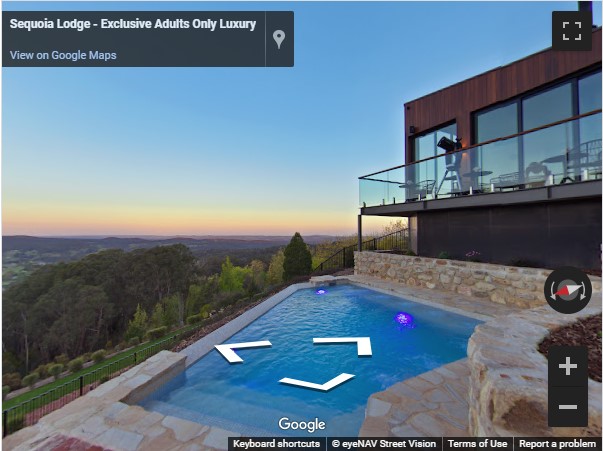
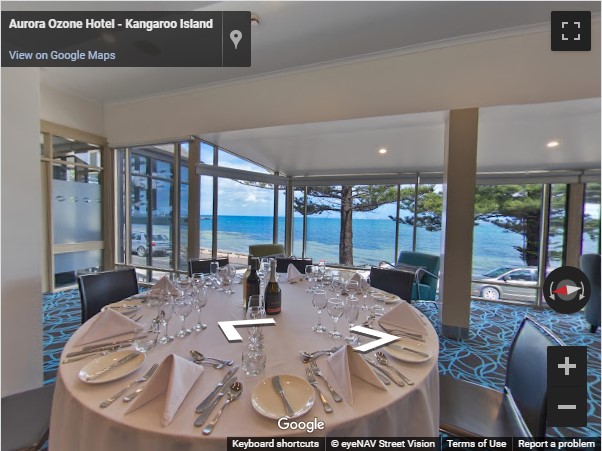
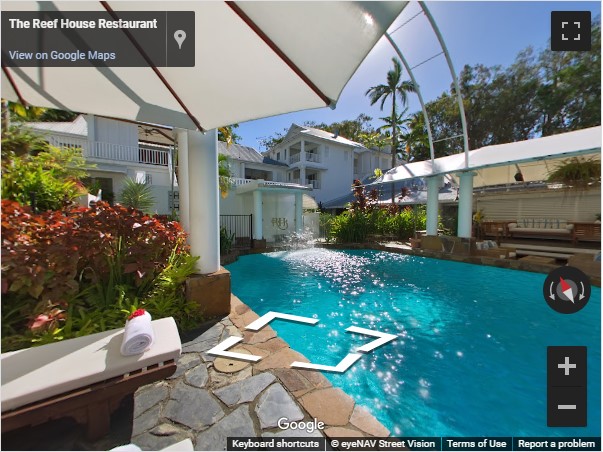
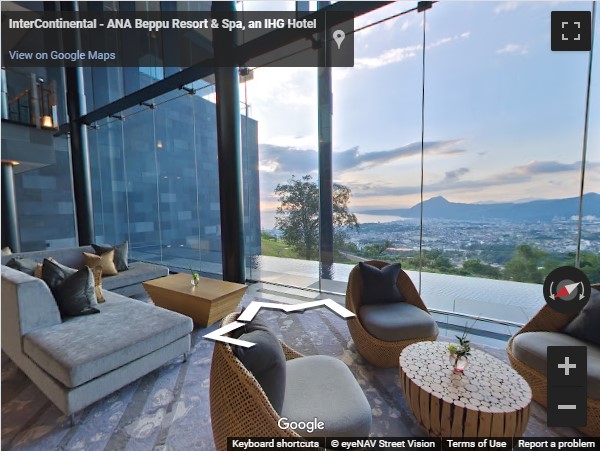
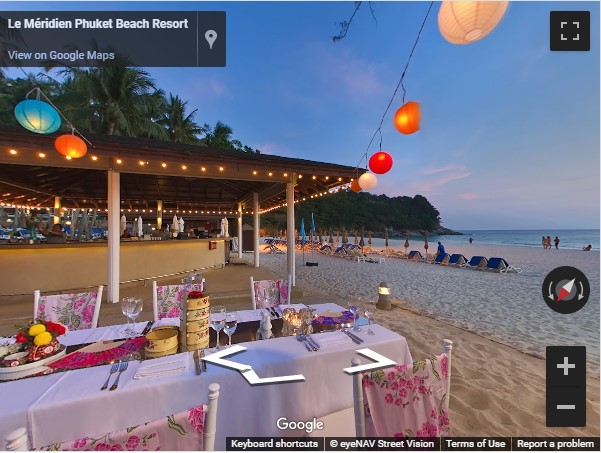
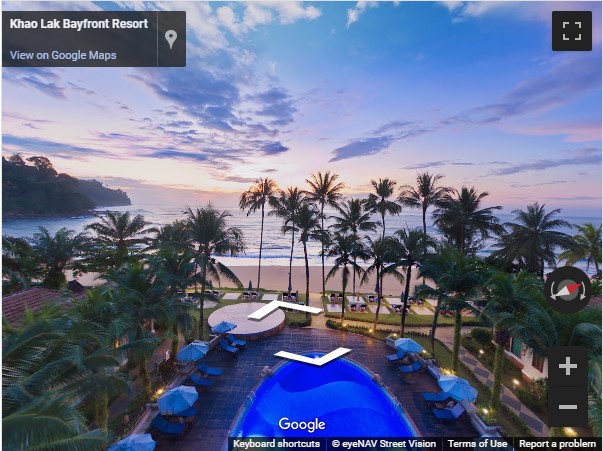
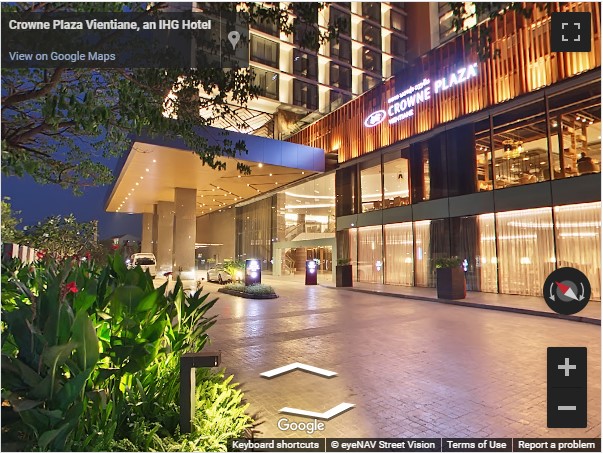
Enhance your Business' online profile with our Google 360 Installation service.
Placing high quality and linked 360° photos on your Google My Business Listing (GMB) means they are also visible on Google Maps and Search. Some of the 360 photos we have published for our clients listings have reached over 300,000 views! Check out our Google Installations here
Google Integration
Enhance your Business' online profile with our Google 360 Installation service.
Placing high quality and linked 360° photos on your Google My Business Listing (GMB) means they are also visible on Google Maps and Search. Some of the 360 photos we have published for our clients listings have reached over 300,000 views! Check out our Google Installations here
Booking.com 360 Upload
360° Photos are enabled on Booking.com! We support our clients with the correct 360° file format and uploading instruction to make this possible . As one of the world's biggest online booking platforms, this is another valuable platform to showcase your eyeNAV 360° photography. Help your guests make their booking decision. Here are some examples, Reach out to us to find out more.
Booking.com 360 Upload
Booking.com 360 Upload
360° Photos are enabled on Booking.com! We support our clients with the correct 360° file format and uploading instruction to make this possible . As one of the world's biggest online booking platforms, this is another valuable platform to showcase your eyeNAV 360° photography. Help your guests make their booking decision. Here are some examples, Reach out to us to find out more.
Facebook 360 Posts
View Images
Facebook 360 Posts
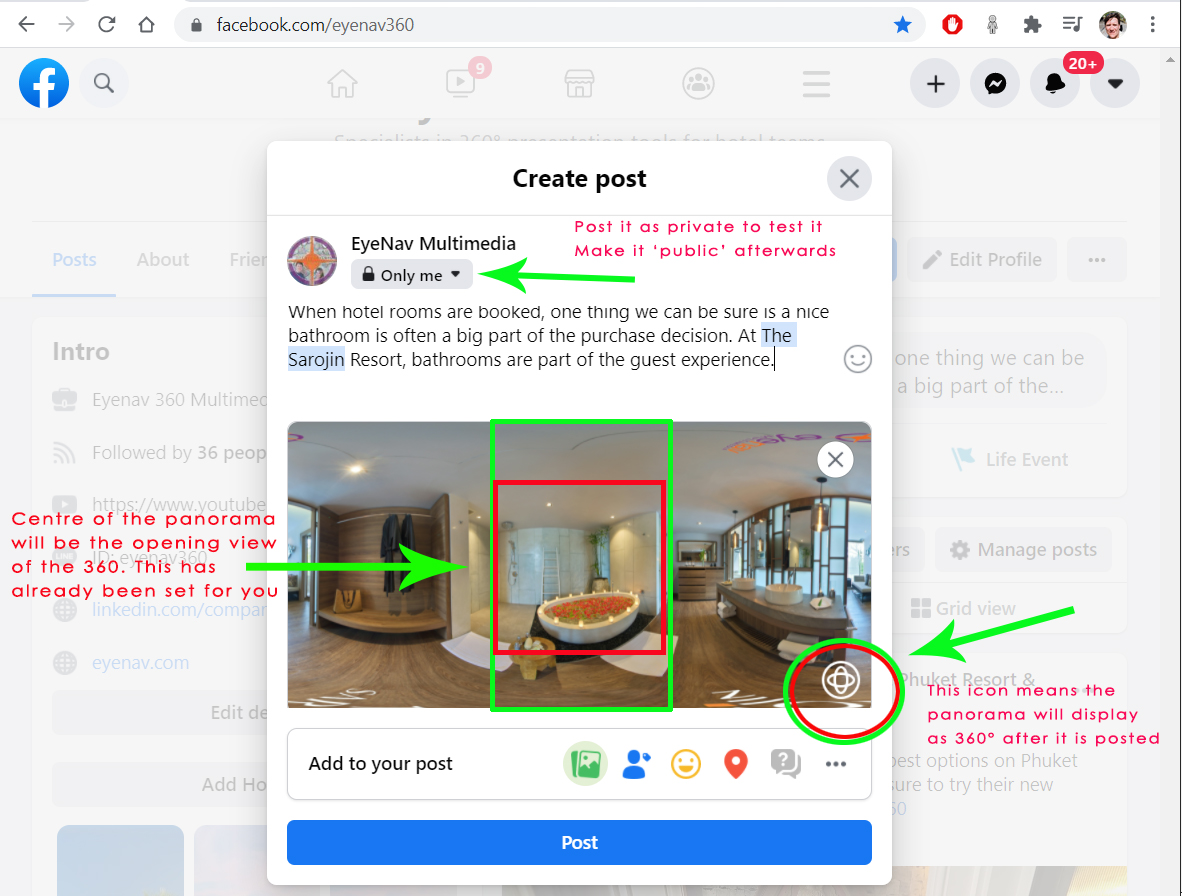
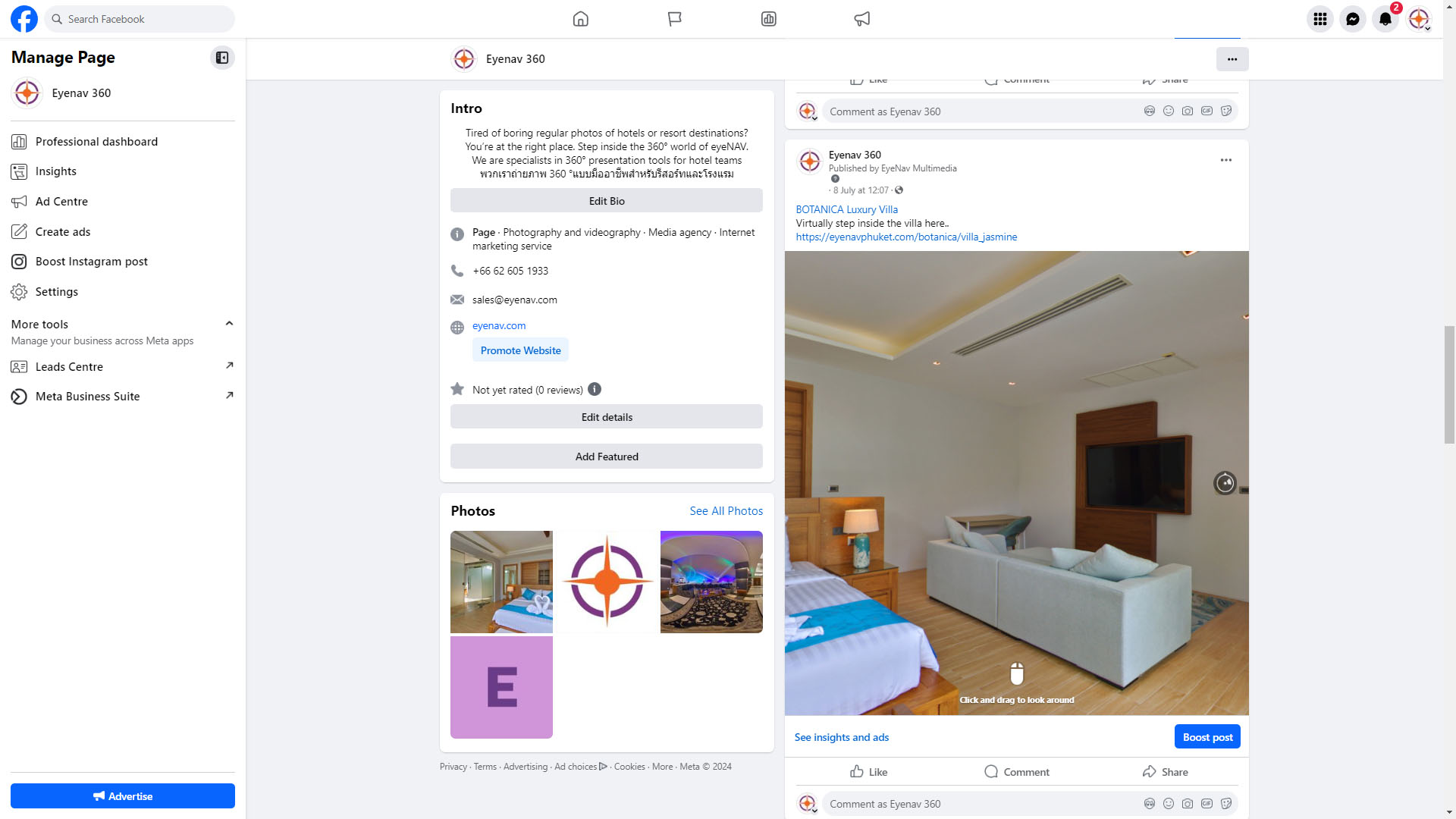
- Upload the panorama file in the same way as you would upload a still photo or video.
- We recommend doing your first 360 photo post from your desktop / laptop. If you are posting with Facebook Mobile APP, be sure to save the original panorama file to your device, without compressing or altering the size or file format.
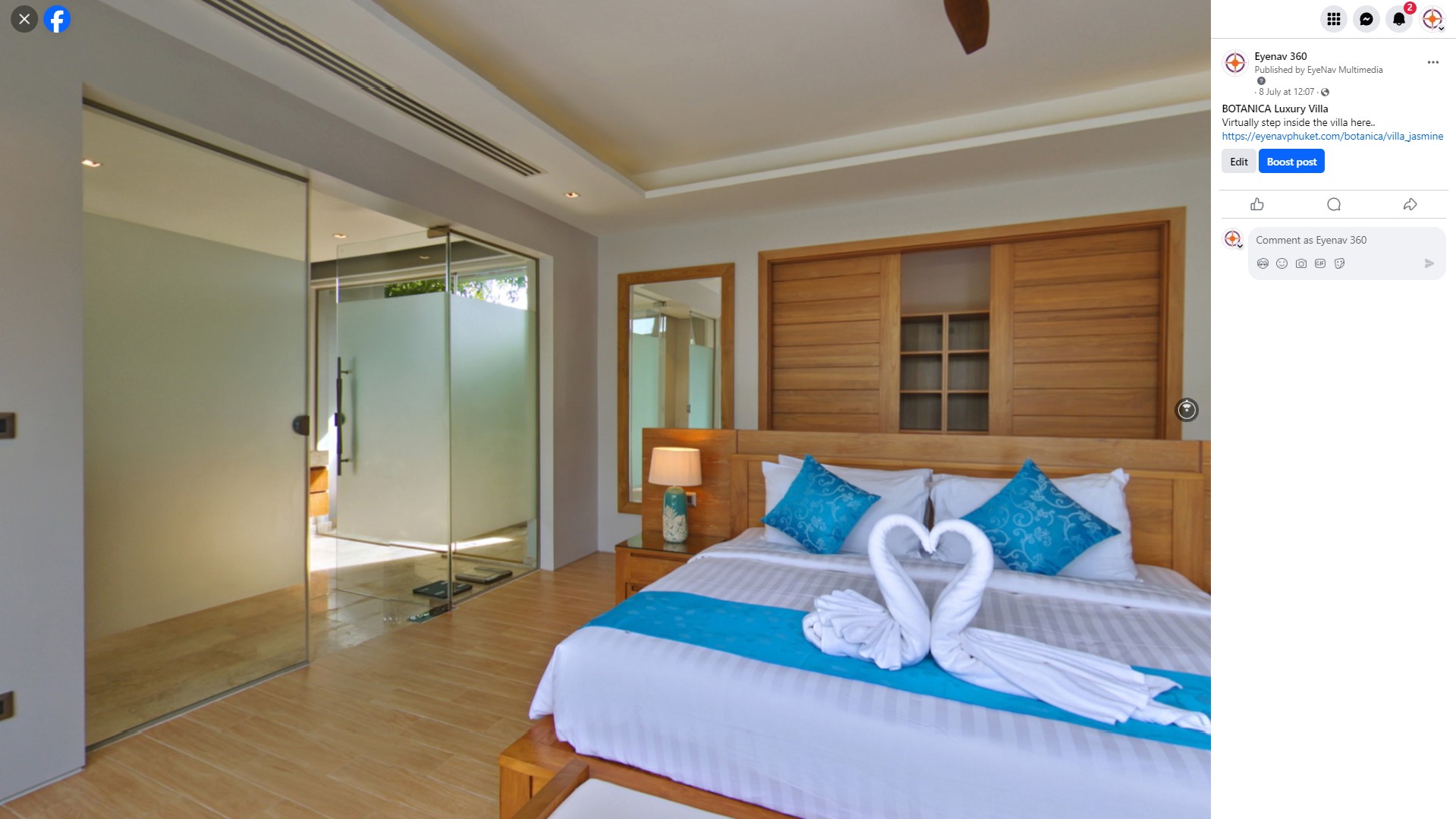
- Posting one single 360° photo will produce some auto movement which catches attention as users scroll.
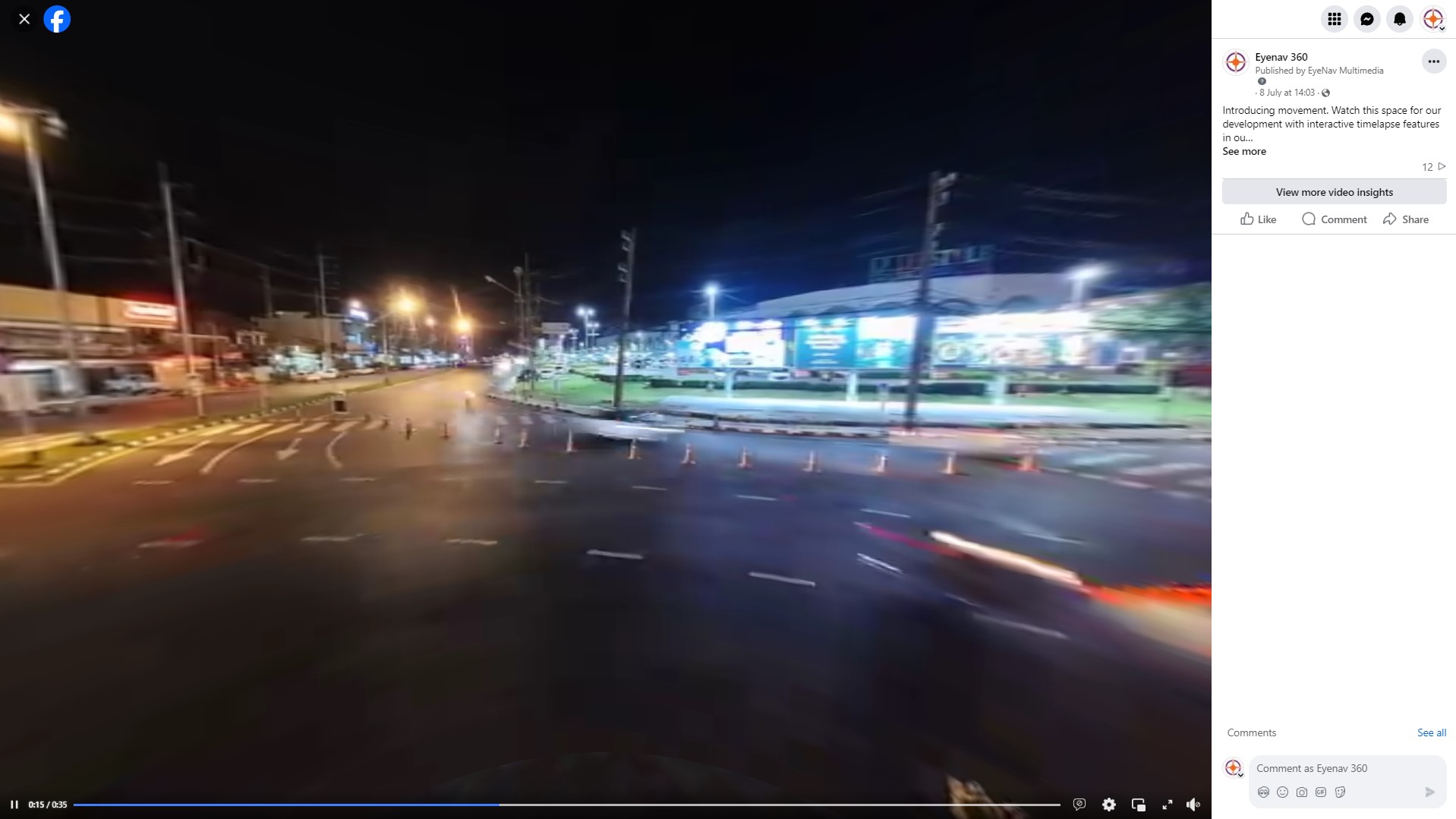
- Posting multiple 360° photos or a combination of 360s, stills and video is possible.
Facebook 360 Posts
- Upload the panorama file in the same way as you would upload a still photo or video.
- We recommend doing your first 360 photo post from your desktop / laptop. If you are posting with Facebook Mobile APP, be sure to save the original panorama file to your device, without compressing or altering the size or file format.
- Posting one single 360° photo will produce some auto movement which catches attention as users scroll.
- Posting multiple 360° photos or a combination of 360s, stills and video is possible.
QR360 Codes for Print
Lorem Ipsum is simply dummy text of the printing and typesetting industry. Lorem Ipsum has been the industry's standard dummy text ever since the 1500s, when an unknown printer took a galley of type and scrambled it to make a type specimen book. It has survived not only five centuries, but also the leap into electronic typesetting, remaining essentially unchanged. It was popularised in the 1960s with the release of Letraset sheets containing Lorem Ipsum passages, and more recently with desktop publishing software like Aldus PageMaker including versions of Lorem Ipsum.
QR360 Codes for Print
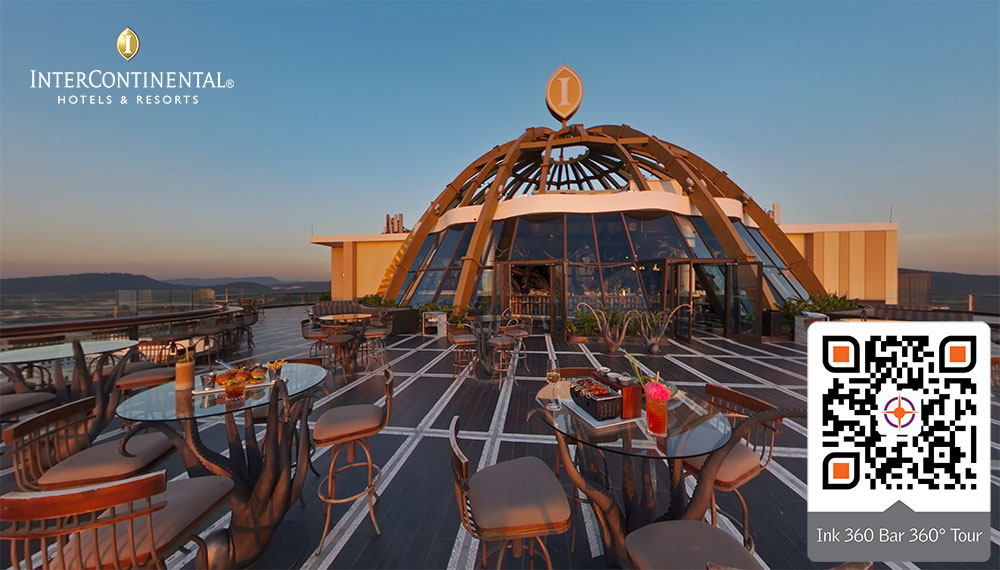
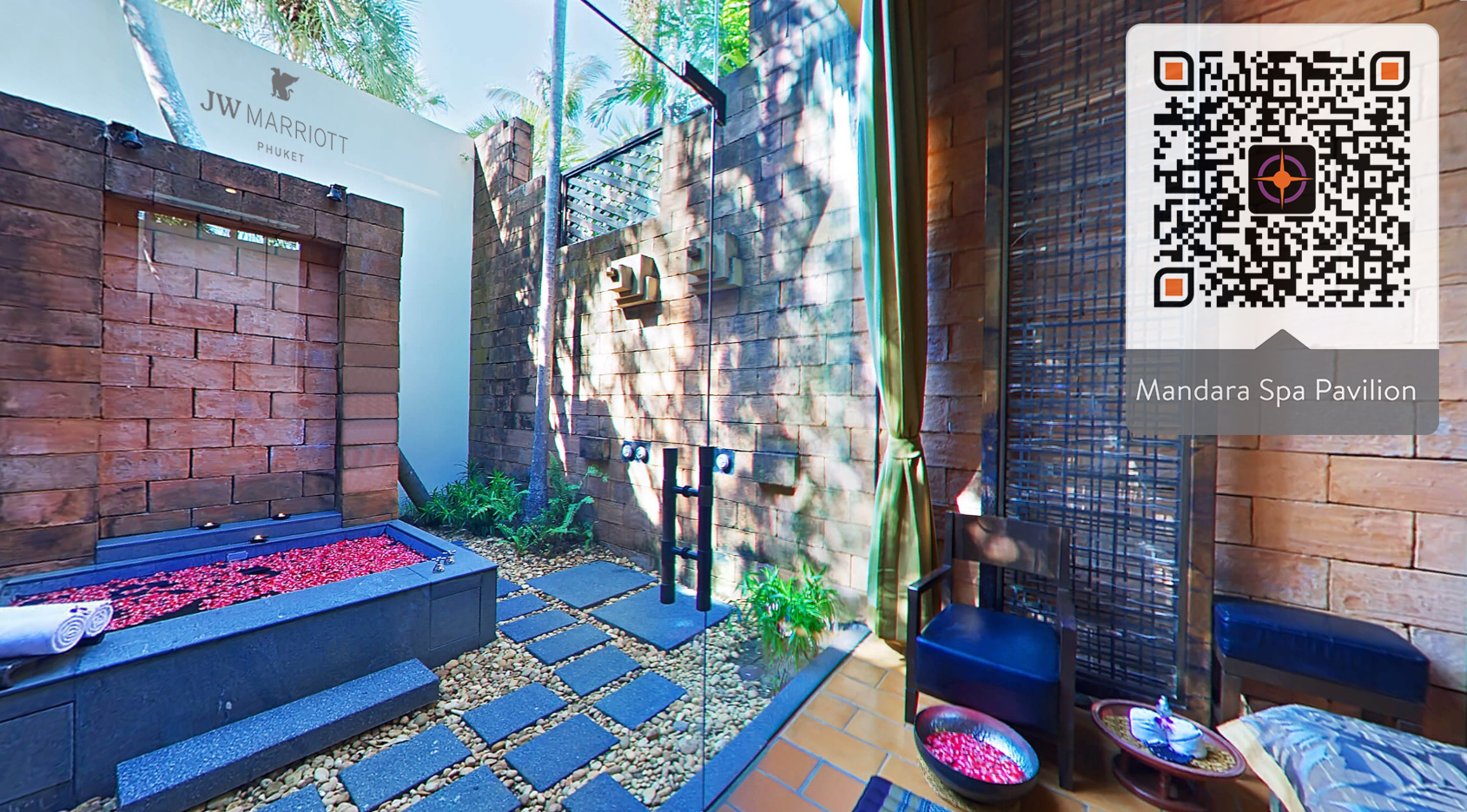

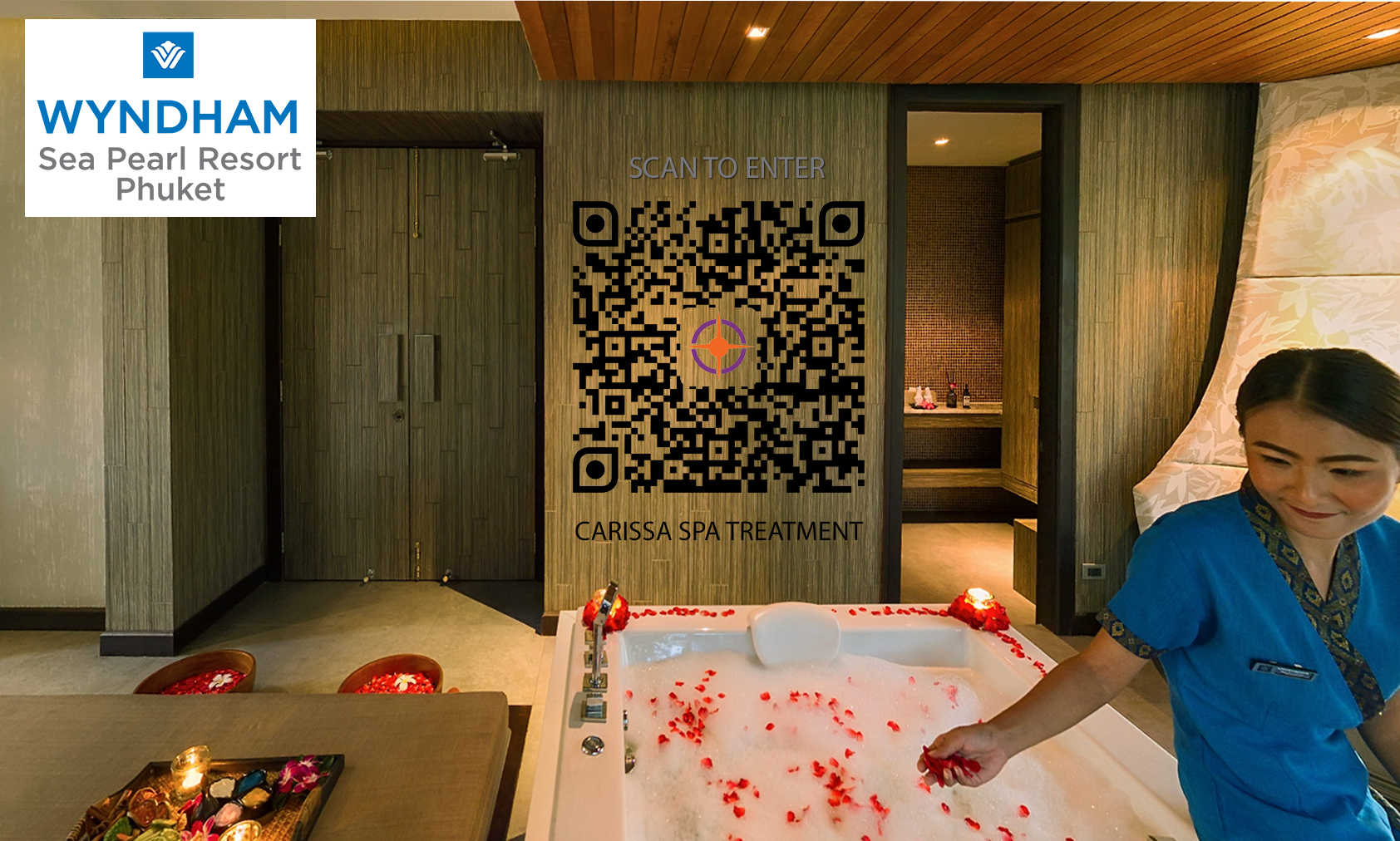
View Images
QR360 Codes for Print
Lorem Ipsum is simply dummy text of the printing and typesetting industry. Lorem Ipsum has been the industry's standard dummy text ever since the 1500s, when an unknown printer took a galley of type and scrambled it to make a type specimen book. It has survived not only five centuries, but also the leap into electronic typesetting, remaining essentially unchanged. It was popularised in the 1960s with the release of Letraset sheets containing Lorem Ipsum passages, and more recently with desktop publishing software like Aldus PageMaker including versions of Lorem Ipsum.
360 Tour Hosting Service

360 Tour Hosting Service
Lorem Ipsum is simply dummy text of the printing and typesetting industry. Lorem Ipsum has been the industry's standard dummy text ever since the 1500s, when an unknown printer took a galley of type and scrambled it to make a type specimen book. It has survived not only five centuries, but also the leap into electronic typesetting, remaining essentially unchanged. It was popularised in the 1960s with the release of Letraset sheets containing Lorem Ipsum passages, and more recently with desktop publishing software like Aldus PageMaker including versions of Lorem Ipsum.
360 Tour Hosting Service
Lorem Ipsum is simply dummy text of the printing and typesetting industry. Lorem Ipsum has been the industry's standard dummy text ever since the 1500s, when an unknown printer took a galley of type and scrambled it to make a type specimen book. It has survived not only five centuries, but also the leap into electronic typesetting, remaining essentially unchanged. It was popularised in the 1960s with the release of Letraset sheets containing Lorem Ipsum passages, and more recently with desktop publishing software like Aldus PageMaker including versions of Lorem Ipsum.


